Student Journey

Internal reference — sign-up through to contest opening
← Back to Dashboard

What a student actually sees, step by step, from finding the early sign-up page to being ready and waiting when the contest opens in November 2026. For anyone on the team who needs to quickly picture what students are looking at right now.

Screenshots captured Sep 7, 2026
Note: this documents the pre-launch, early sign-up flow only (account created now, contest content unlocks in November). It does not yet cover submission, judging, or the winner flow — add those steps here once that part of the platform is built.
1

Public website

energycreates.comOpen this page ↗

The marketing homepage. "Sign up early" appears twice (top nav and hero) — both send the student to the account form on the LMS.
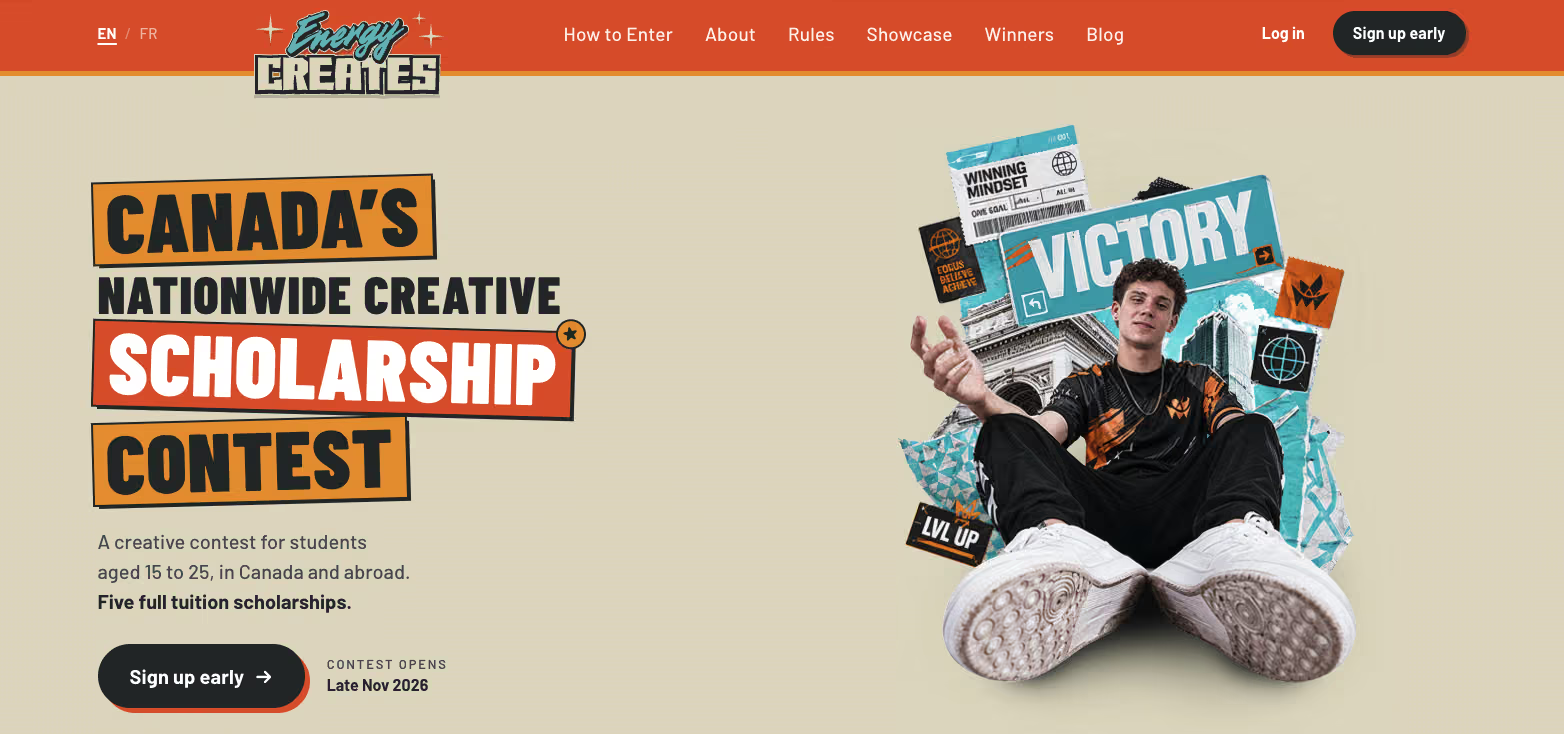
Energy Creates public marketing homepage with Sign up early buttons in the nav and hero
2

Landing page & sign-up starts

energycreates.com → sign upOpen this page ↗

The pitch: $100K scholarships, open to students 15–25, any creative discipline. Student clicks through and starts the account form with name, email, and password.
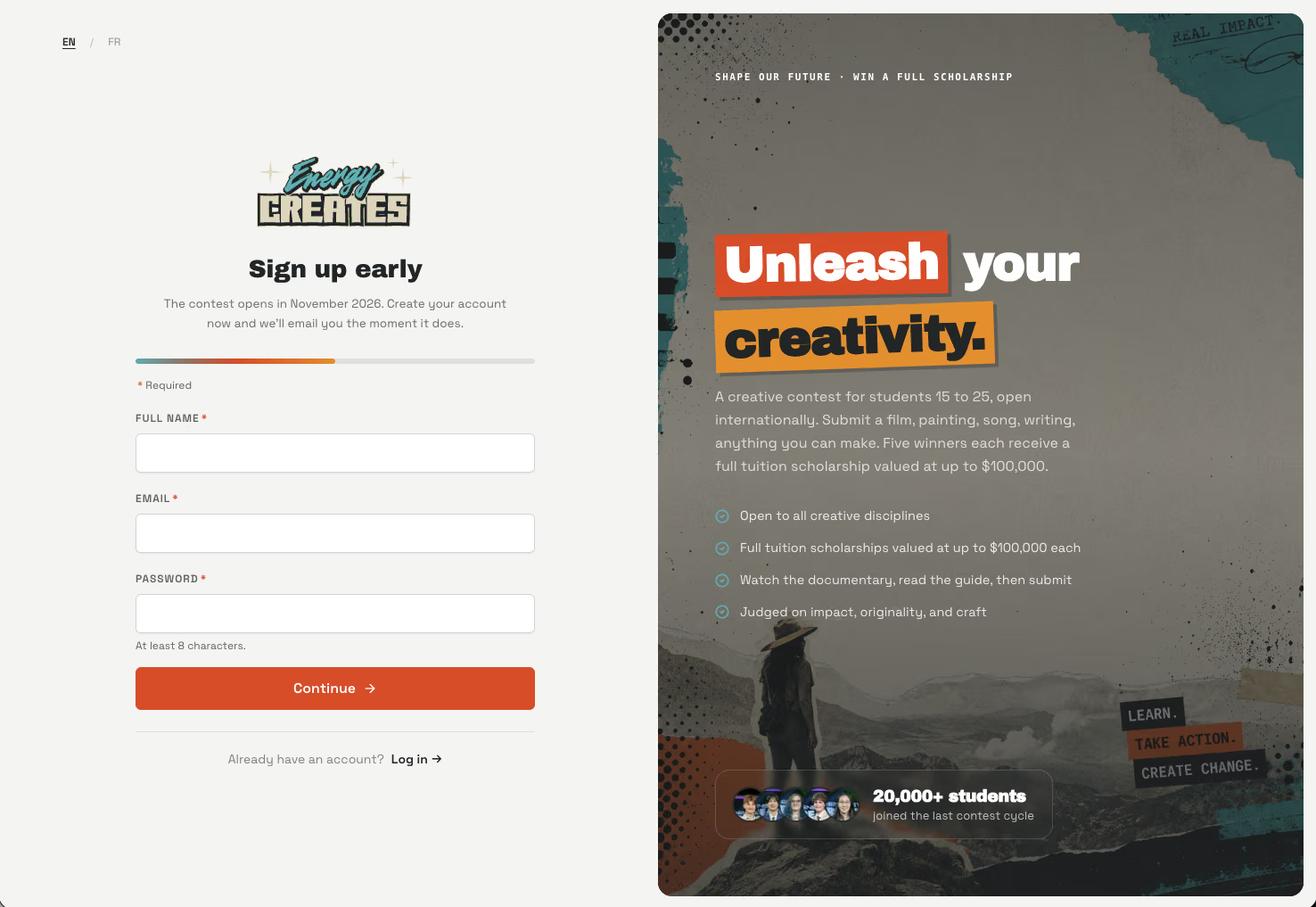
Energy Creates sign-up landing page and first step of the account form
3

Eligibility & account details

sign up · step 2Open this page ↗

Country, city, province, age range, and school, plus the two required eligibility/terms checkboxes (age 15–25 and enrolled/planning to enroll by Sep 30, 2028) and an optional opt-in for updates.
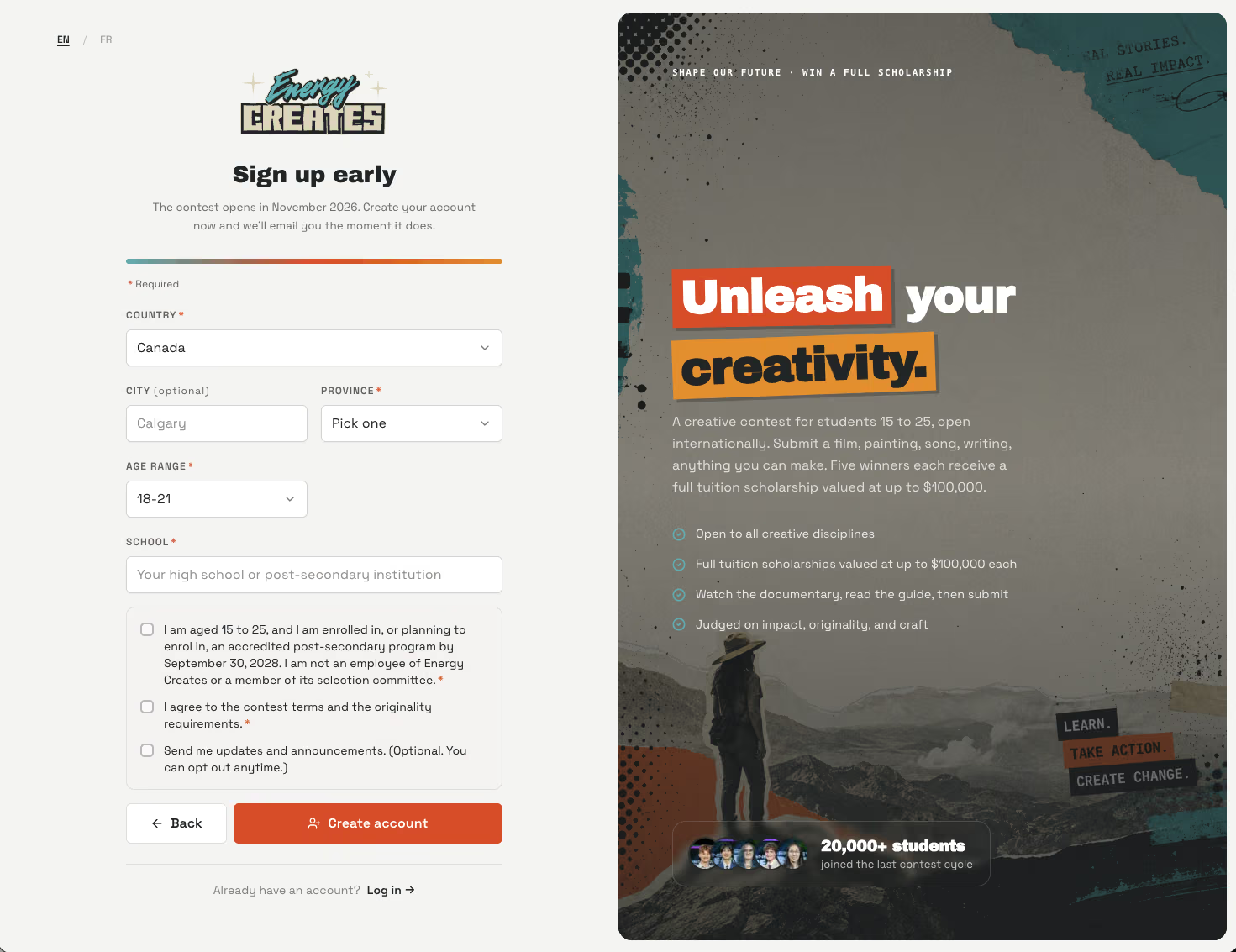
Second step of the sign-up form asking for country, school, age range and eligibility checkboxes
4

Confirmation email sent

email · "Thanks for signing up early"

Confirms the account was created, restates the November 2026 contest opening, and asks the student to confirm their email address. Links out to the dashboard, FAQ, and about-the-contest page.
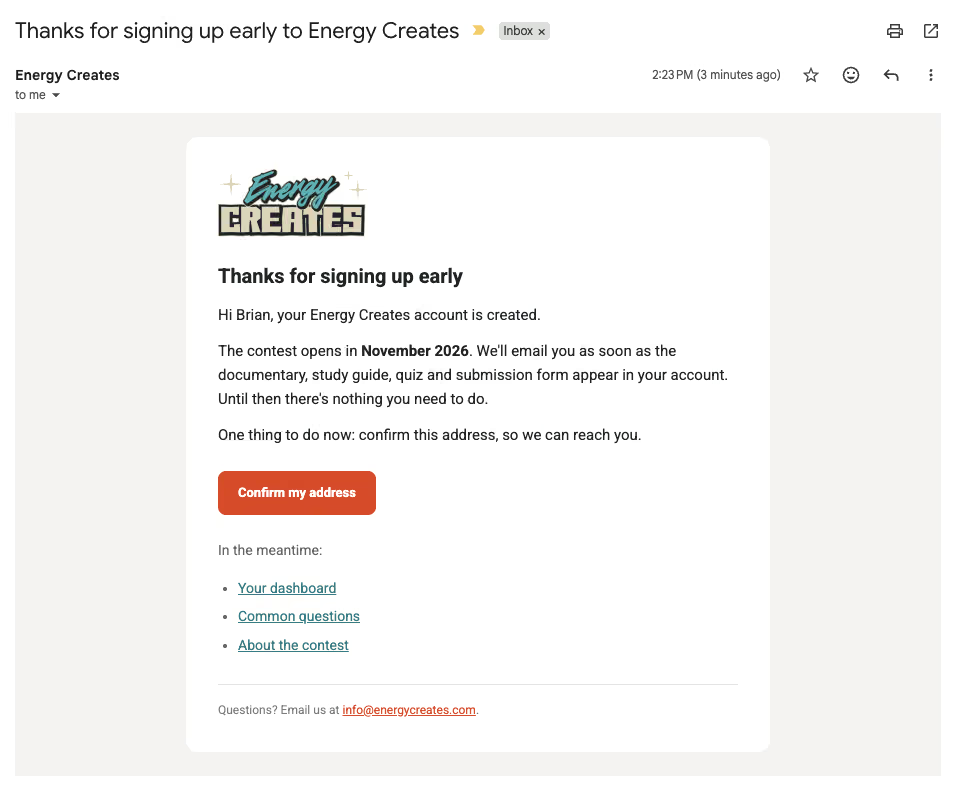
Confirmation email thanking the student for signing up early and asking them to confirm their address
5

Dashboard unlocks

LMS · post-verificationOpen login ↗

After confirming, the student lands on their dashboard: a welcome message, a "You're on the list" confirmation showing the email they'll be notified at, add-to-calendar links (Google, Apple/Outlook/.ics), and a 5-step "What's next" roadmap (contest opens → submit entry → submissions close Feb 15, 2027 → finalists announced Apr 2027 → winners revealed Jun 2027).
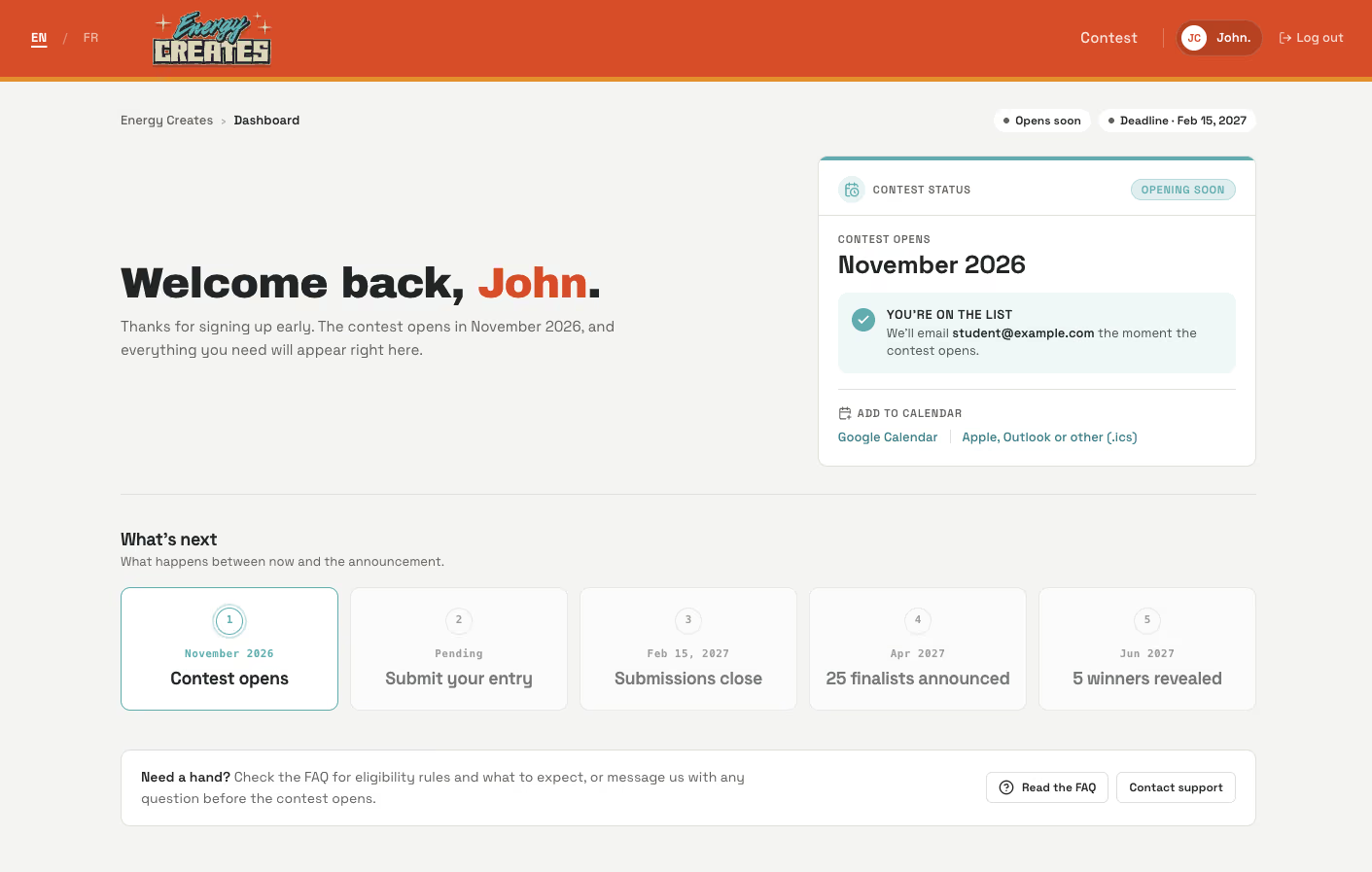
Student dashboard after verifying email, showing the welcome message and five-step what's next roadmap